Good workout apps still put routines, history, or progression behind a paid plan. In RepCalc they’re simply part of the app. No trial, no tiers, no “Pro”.
RepCalc compared with the free versions of Strong, Hevy, and MacroFactor Workouts
Feature
RepCalc
Strong
Hevy
MacroFactor Workouts
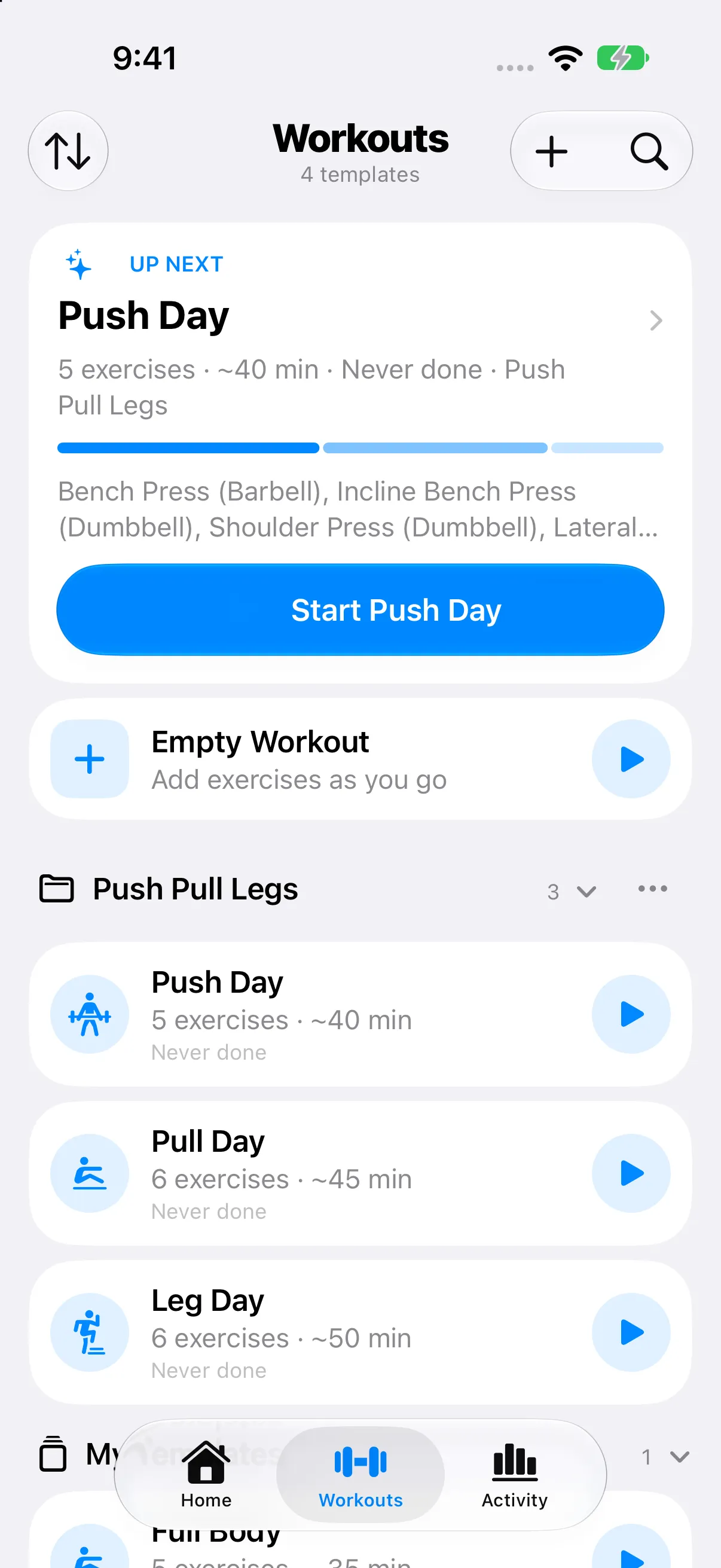
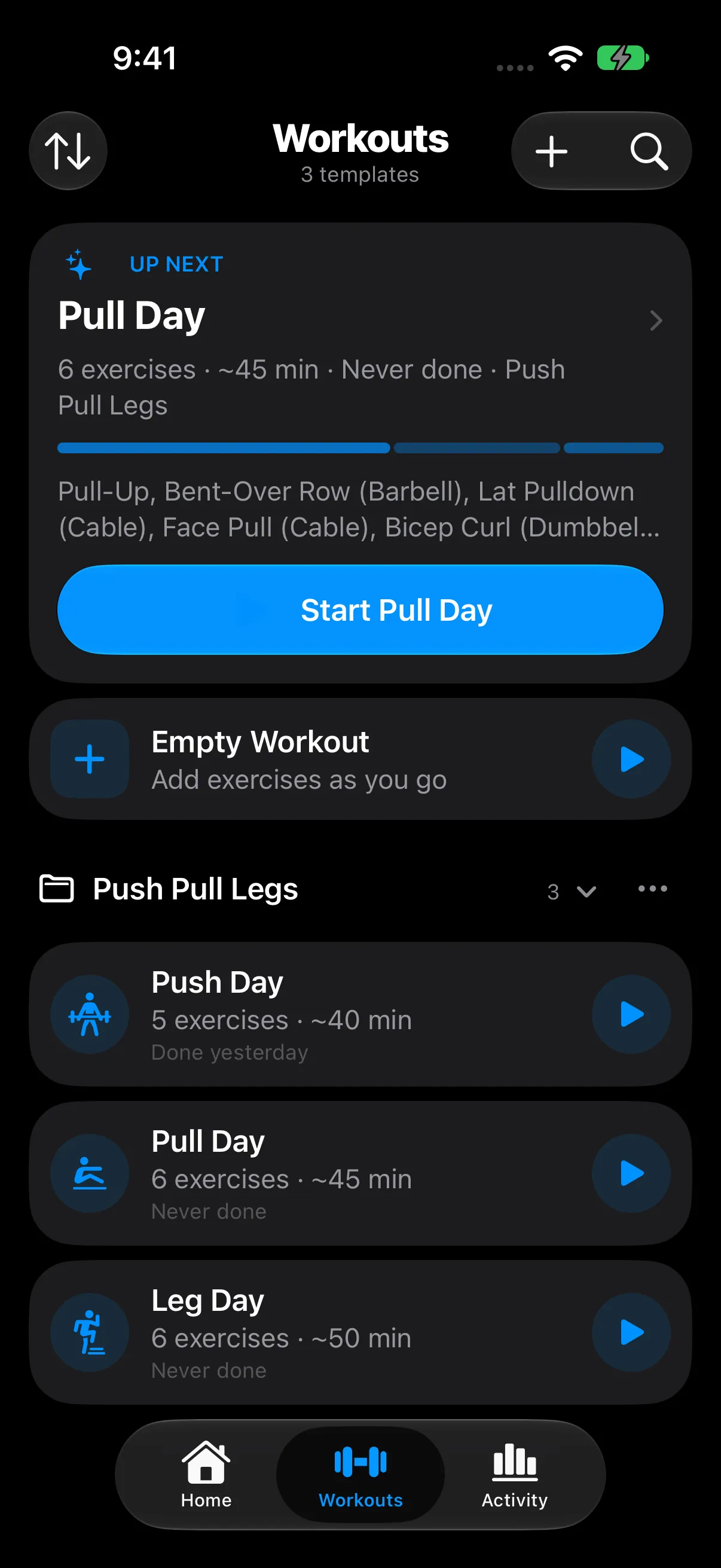
Unlimited routinesSave every workout you repeat
Free
3 free, then PRO
Pro
Subscription
Your full training historyEvery workout, every chart, all-time
Free
Free
Pro
Subscription
Weight and rep suggestionsProgression that tells you why
FreeNew in 1.1
Not offered
Pro
Subscription
Body measurementsWaist, chest, arms, thighs, hips, neck
FreeNew in 1.1
PRO
Free
Subscription
What it costsTo unlock everything above
$0
$4.99/mo or $29.99/yr
$2.99/mo or $23.99/yr
$11.99/mo or $71.99/yr
They’re good apps, and their makers deserve to be paid. We just think these basics belong in the free app. RepCalc doesn’t sell anything, so there’s no free tier to hold back.
RepCalc doesn’t need to know who you are. There’s no account to make and nothing to sign in to. Close the app in a basement gym with no signal and you’ve lost nothing.
Your training lives on your iPhone. If you turn on iCloud, it syncs through your own private iCloud database. We never see it.
No ads, no trackers, nothing for sale
No ad networks and no analytics tools in the app. Its privacy manifest declares no tracking, and your data isn’t sold.
Apple Health stays in Health
Steps, heart rate, and other apps’ workouts are read on your iPhone to show next to your training. They’re never copied to iCloud or anywhere else by RepCalc.
Progress photos never leave your iPhone1.1
They’re not synced, exported, or put on share cards. Location and camera details are removed when you add one, and Face ID can lock them.
Planning runs on your device first
The planner uses Apple’s on-device model. Your answers go to Private Cloud Compute only if you say yes.
Locked means locked1.1
Siri needs an unlocked iPhone to read your history or log body weight. Spotlight only sees template names. Measurements never show on widgets or the Lock Screen.
NEW IN 1.1
Deeper when you ask.
If you just log sets, nothing changes: no new tabs, no new columns, and no extra steps before Start. Each new feature waits behind one switch, and turns off in the same place.
Available now in RepCalc 1.1. Every feature is free.
Coach
Optional weight and rep suggestions that explain themselves. Coach holds the weight after an all-out set, suggests going lighter when you stall, and only suggests weights your gym can actually load.
Bench Press Set 2 of 382.5kg8reps
Hit 10 reps on every set last time, so +2.5 kg and back to 8.
Profile → Workout Settings → Suggestions
Programs
Run a folder for 4 to 12 weeks, finishing with a deload. Home shows the week you’re on.
A folder’s menu → Run as Program
Gyms and dumbbells
Save the bar, plates, and dumbbells at each gym, and switch mid-workout. Dumbbell pairs count twice in volume.
Workout Settings → Gyms
Body and progress photos
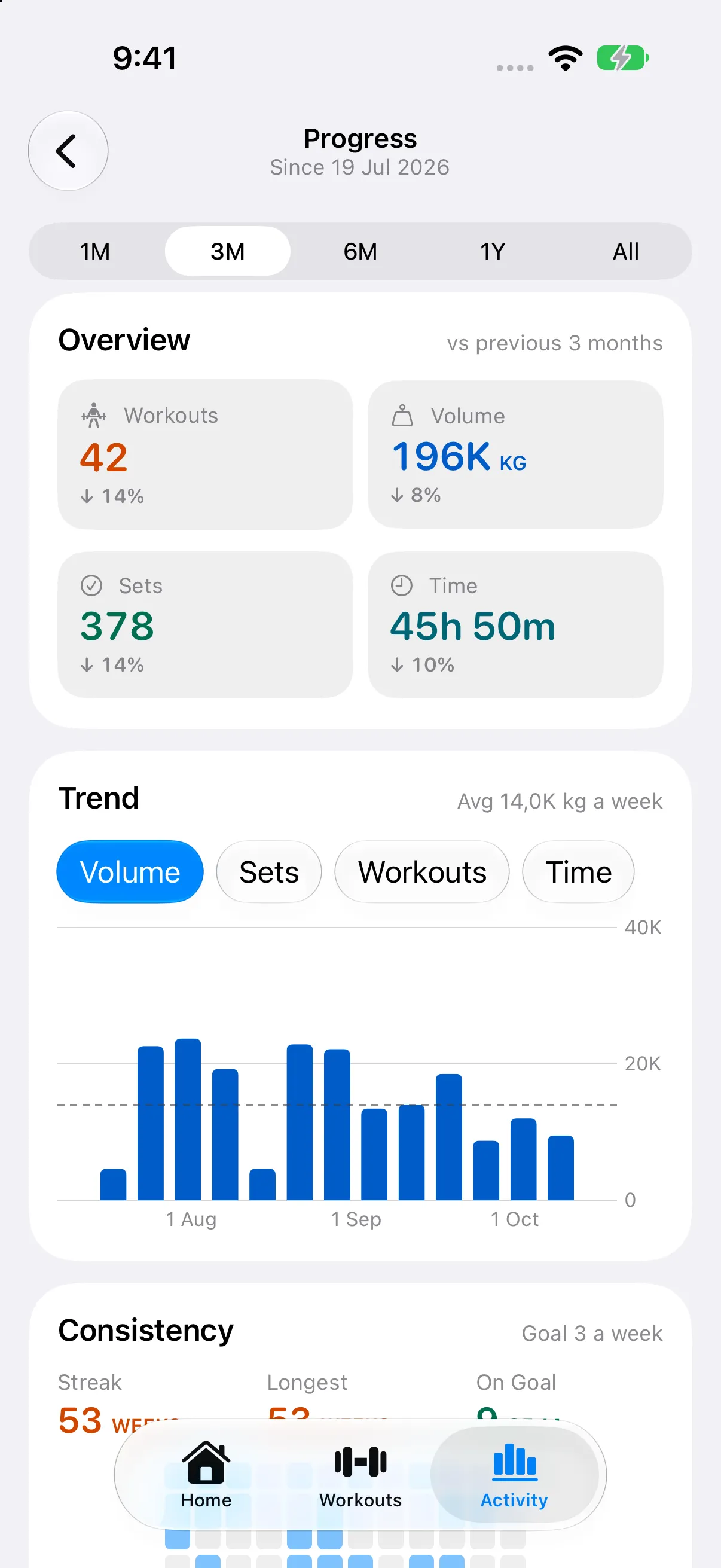
Track body fat and six measurements as well as weight. Progress photos stay on your iPhone.
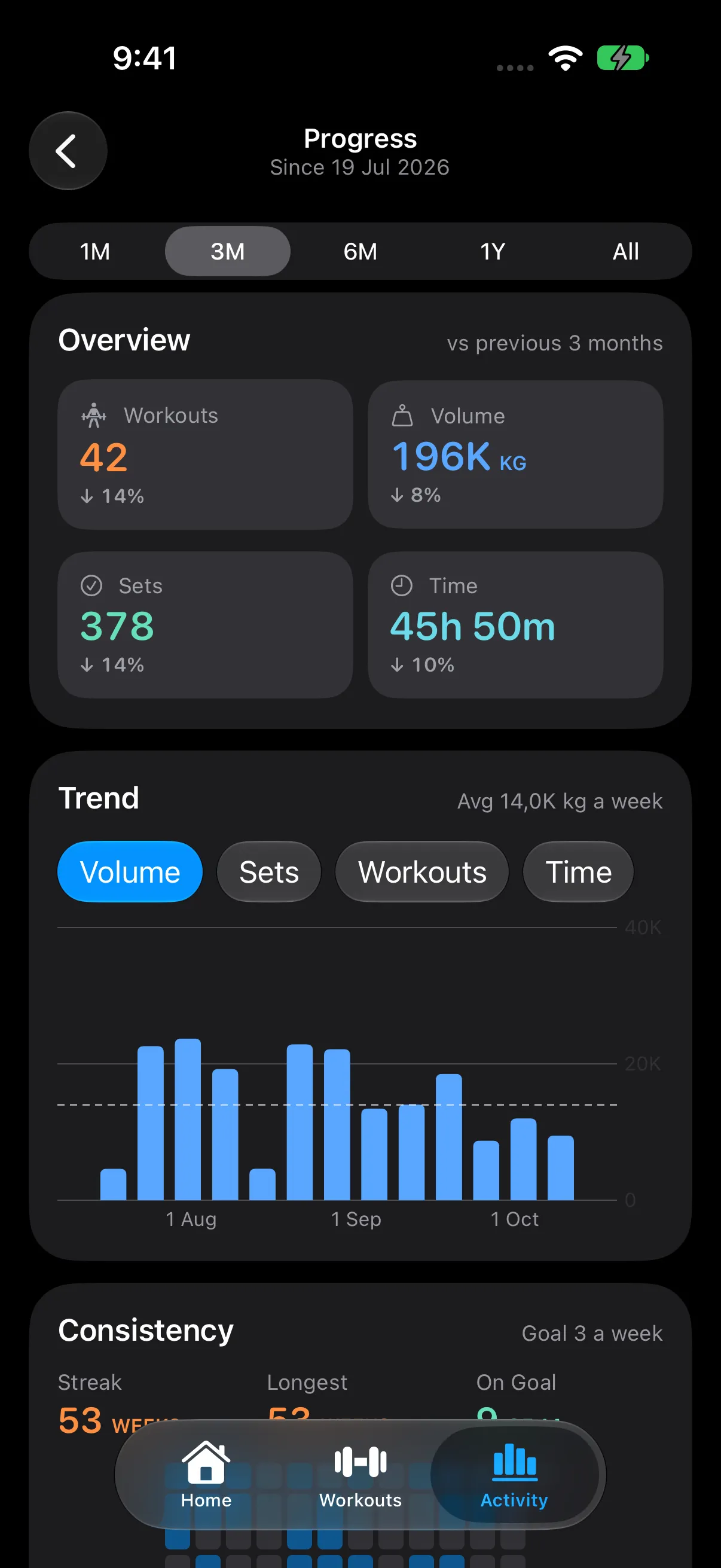
Activity → Progress → Body
Steps & Cardio
Today’s steps, a daily goal, and runs from Strava or Apple Watch. They can count toward your week if you want.
Customize Home → Steps & Cardio
Siri and Controls
“Start Push Day in RepCalc.” Or start from Control Center, the Lock Screen, or the Action Button.
Works right away
Guides
Short how-to pages in the app, from your first workout to Coach and Programs.
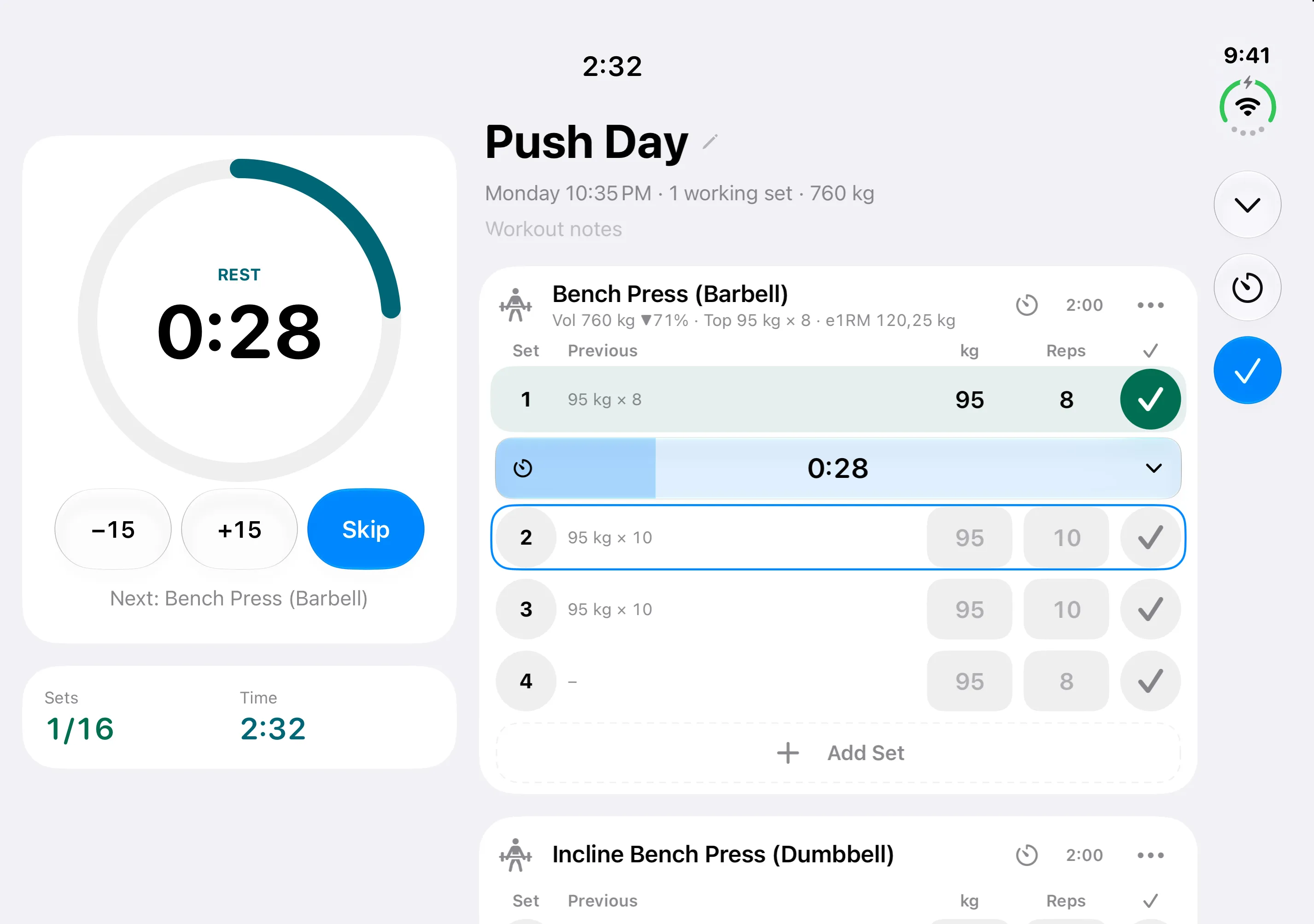
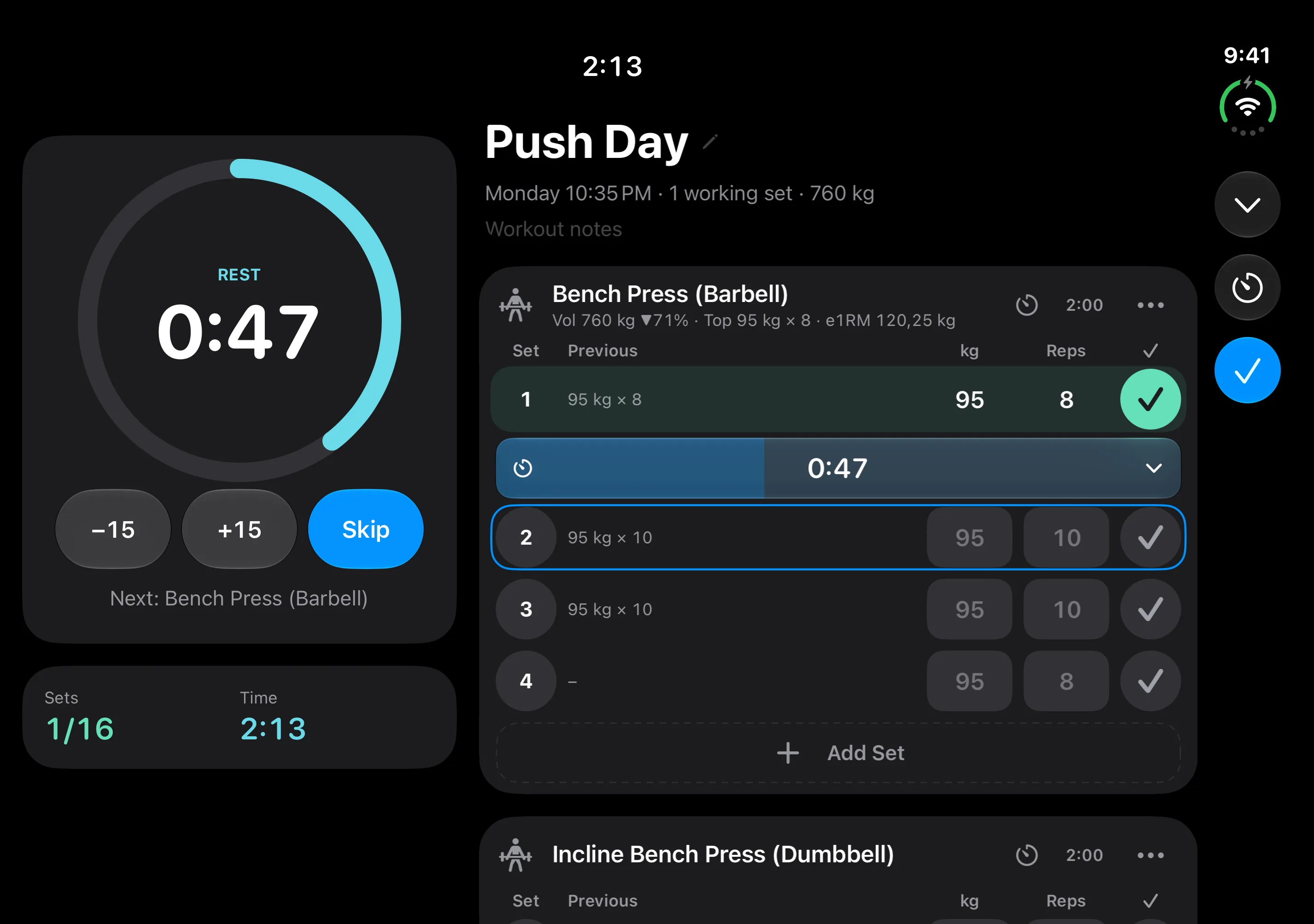
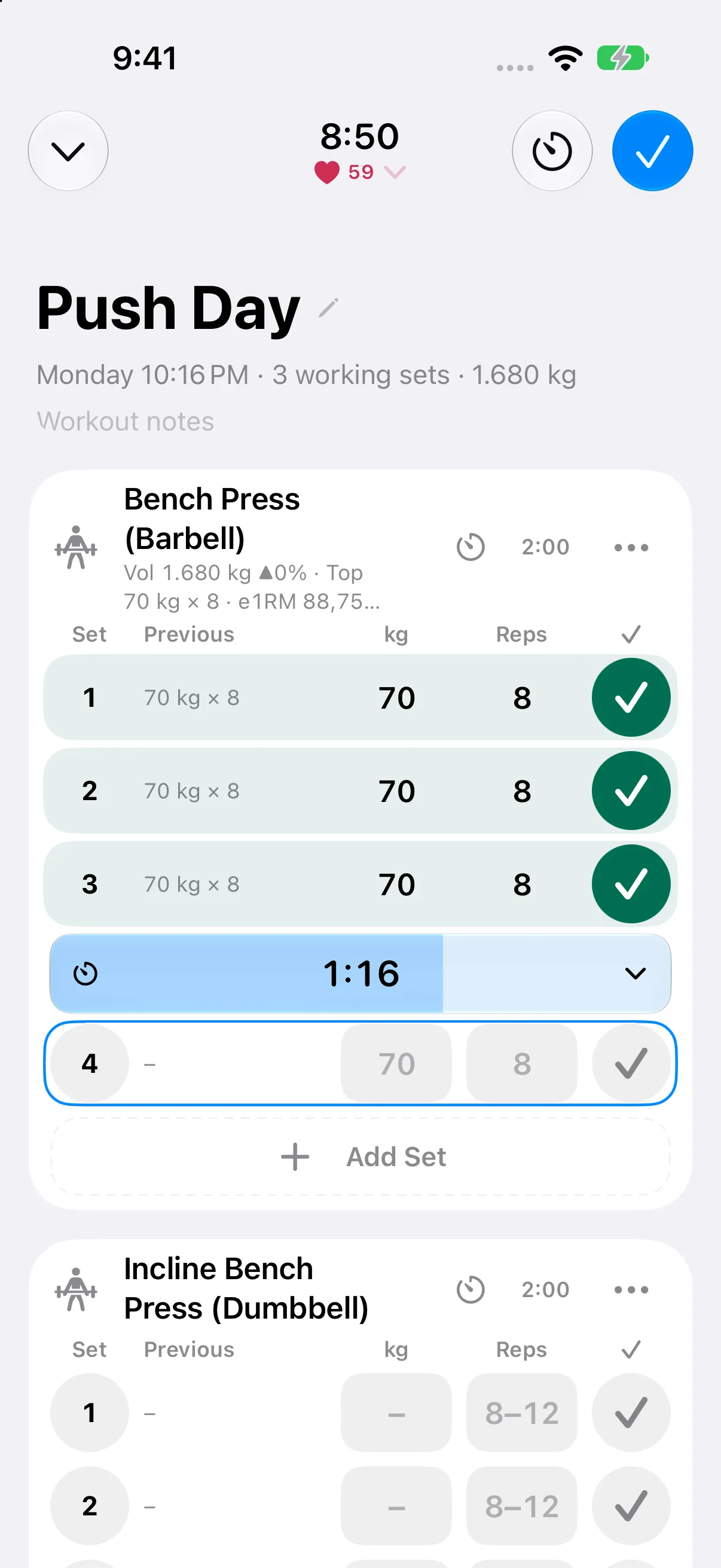
Open iPhone Duo and see your current set beside your exercise list. Fold it back and keep logging in a compact layout. RepCalc adapts to the space you have.
Home uses wider displays for your week, recent training, and trends side by side. The same care carries through to iPad and Split View.
RepCalc on iPhone Duo, expanded. Duo-specific layouts require iOS 27.1 or later.
APPLE WATCH
Keep the session on your wrist.
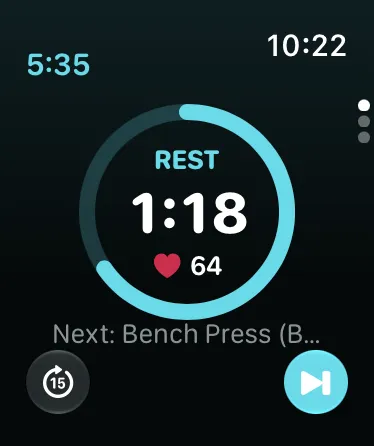
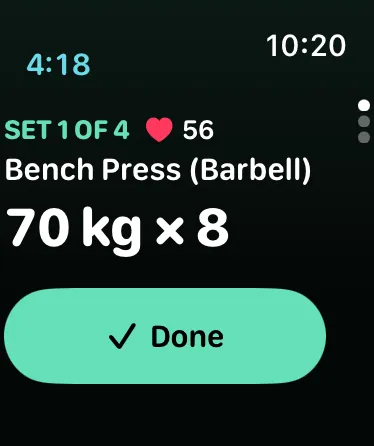
Your iPhone runs the workout. RepCalc on Apple Watch keeps the current exercise, your next set, and rest timing close at hand.
Mark a set done from your watch
Skip or extend rest without picking up your phone
Follow heart rate and energy with Apple Health permission
A companion to RepCalc on your paired iPhone. Workout editing stays on iPhone.
Your current set
Your rest timer
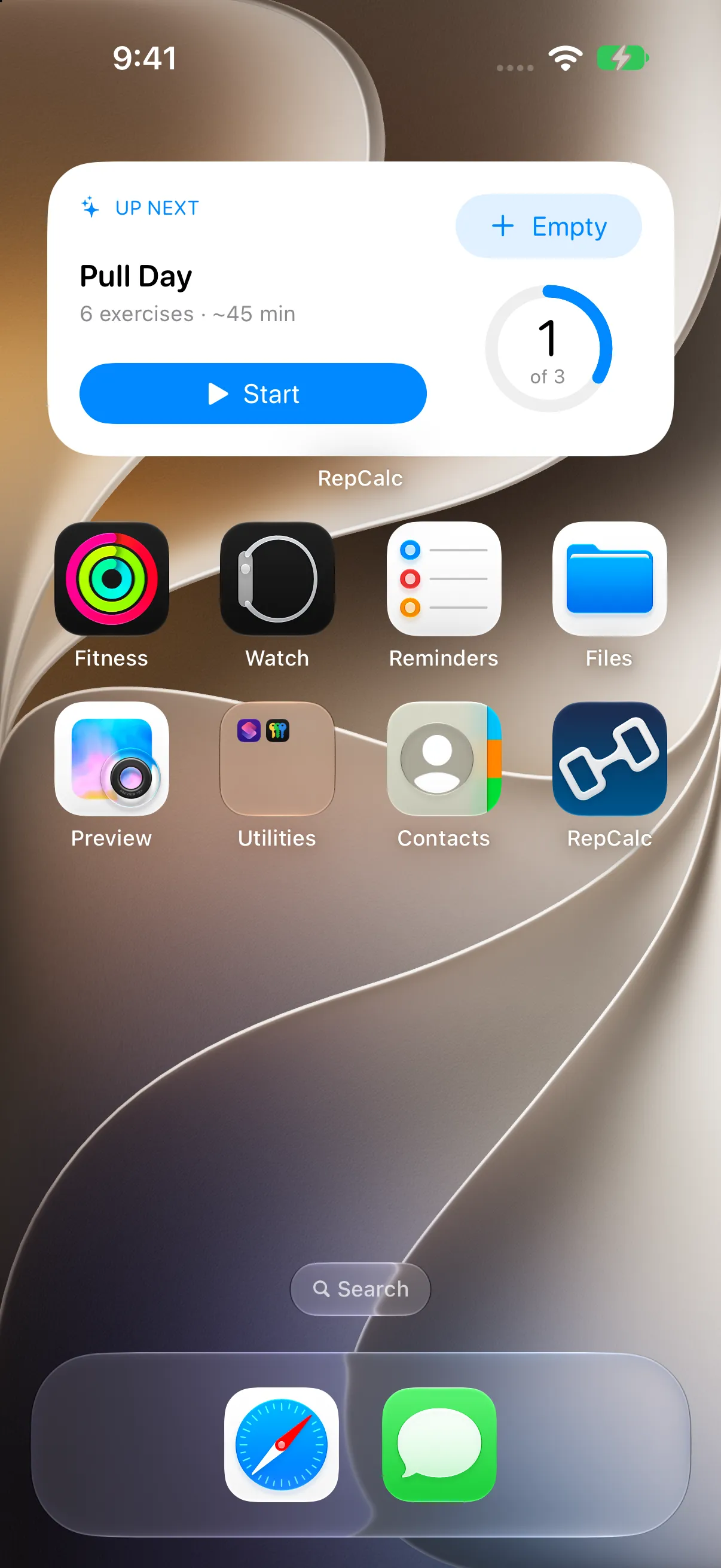
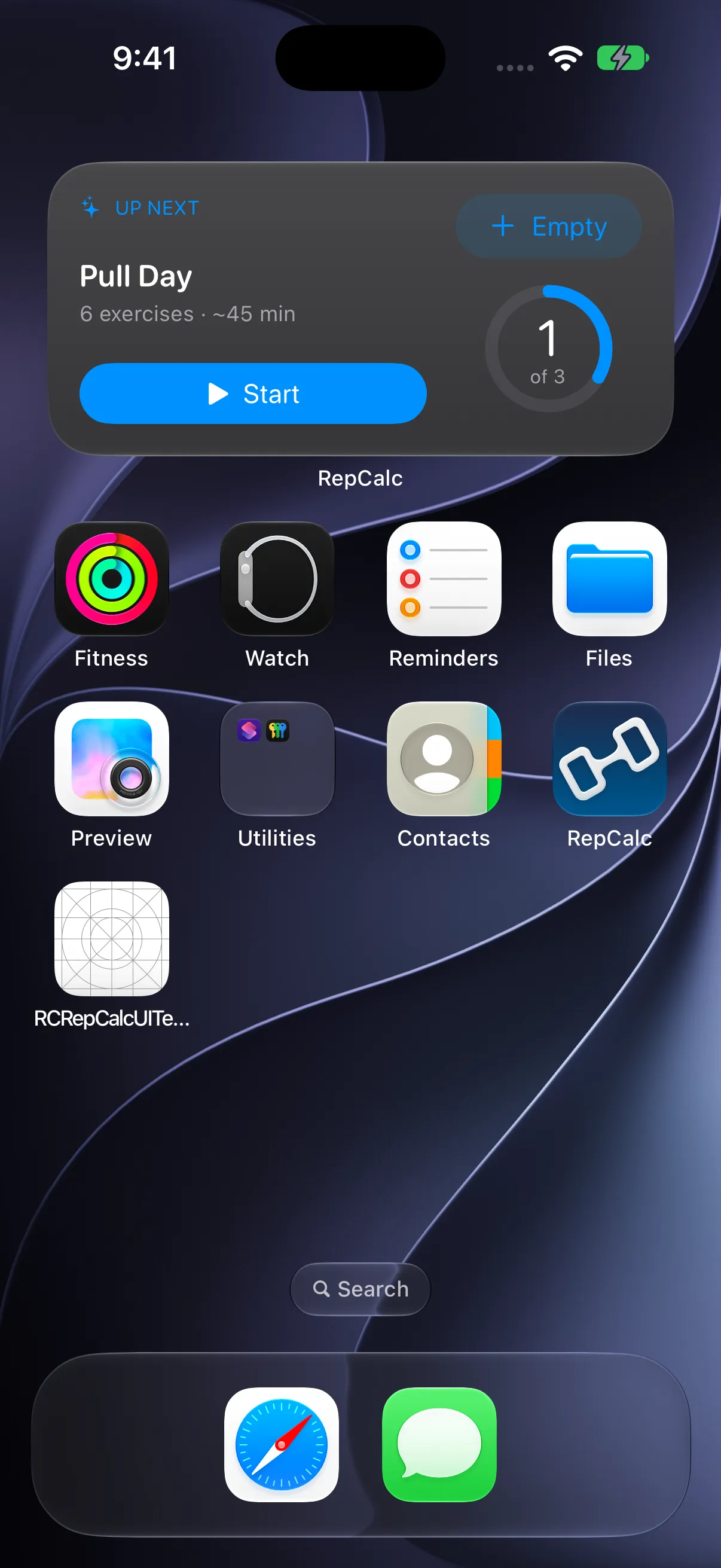
Up Next · Home Screen widget
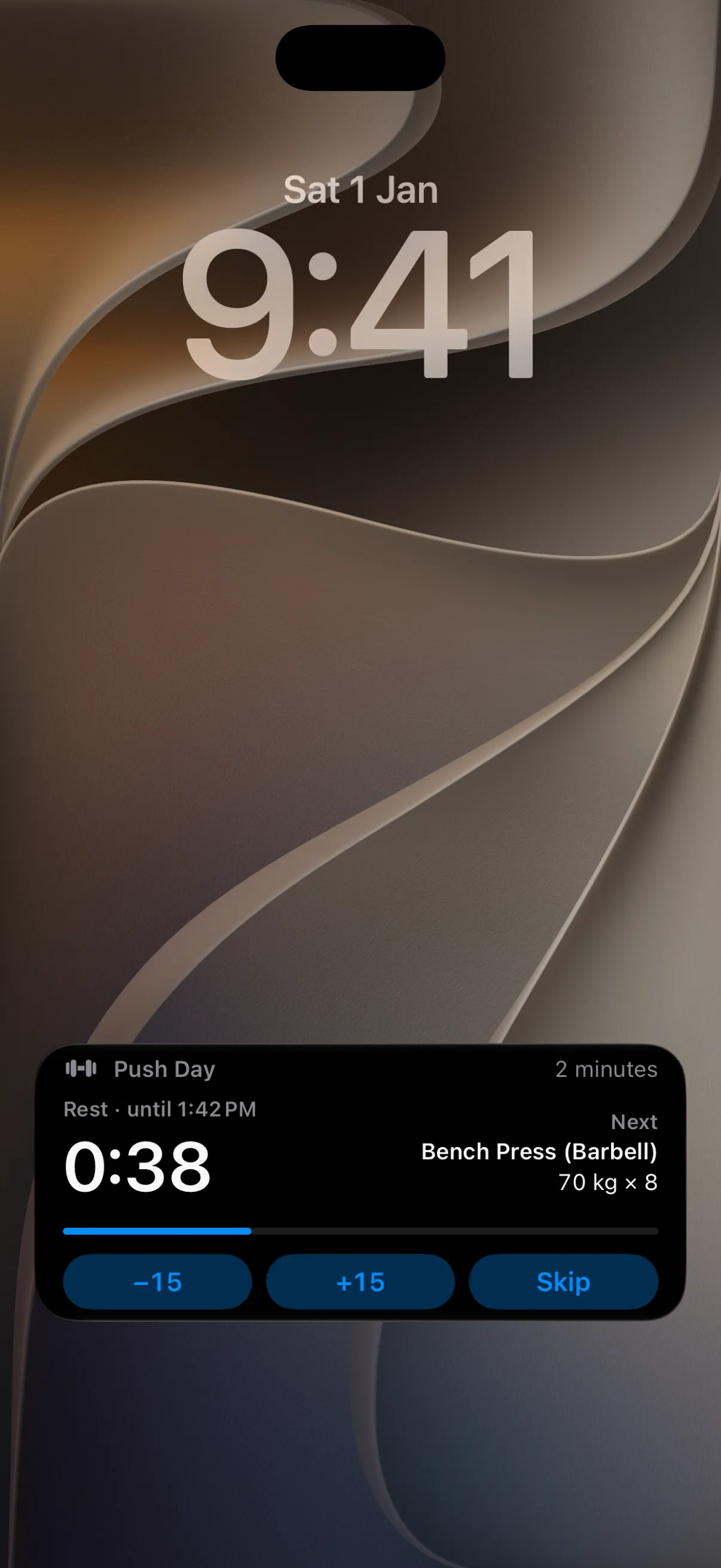
Live Activity · During your workout
WIDGETS & LIVE ACTIVITIES
A little less opening the app.
See your week, keep your streak in view, or jump into your next workout from the Home Screen. Add a compact view to your Lock Screen, too.
This Week
Workouts, your goal, and the work you’ve logged.
Up Next
A shortcut to the next session in your routine.
Streak
Your training consistency, one glance away.
During a workout, follow your rest timer and next set on the Lock Screen or Dynamic Island with Live Activities.
PHOTO SHARE CARDS
Your workout. On your photo.
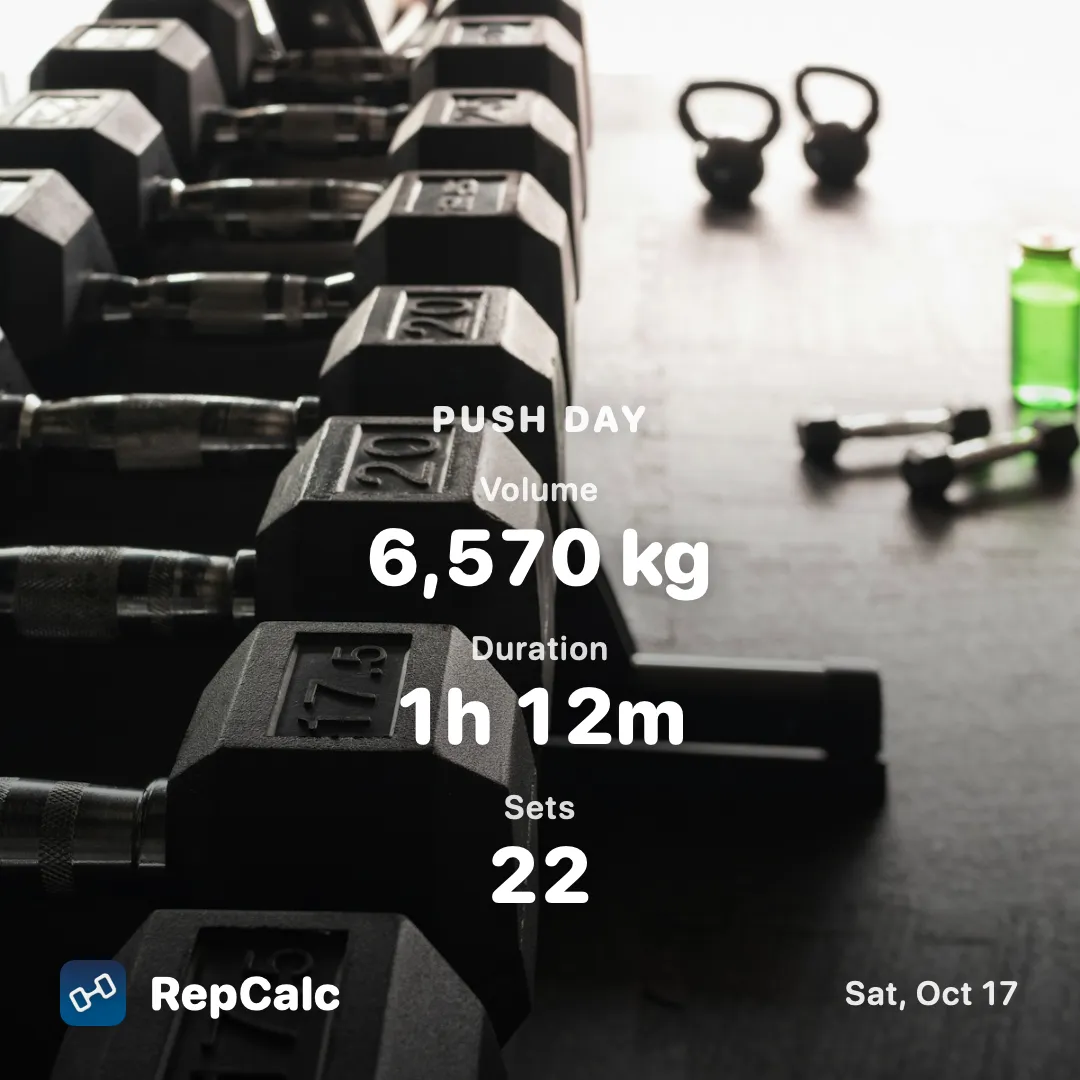
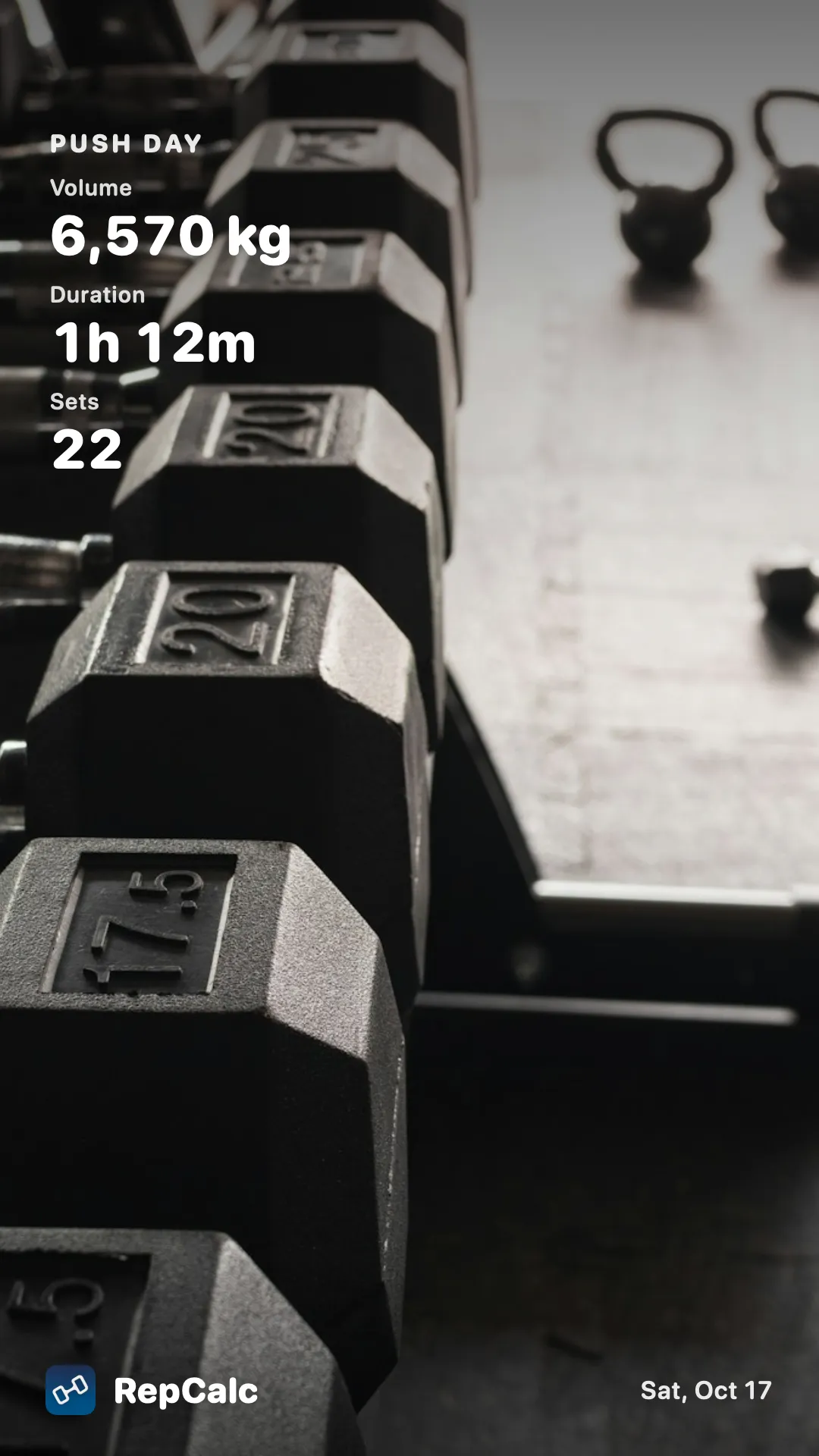
Pick a photo, choose where your stats sit, and share the result with friends or your favorite social app. Square for the feed. Story for the moment.
1:1 · Square9:16 · Story
Make room for the photo.
Six stat positions let you keep the part of your image that matters clear. Use the camera or choose a photo from your library.
Prefer a simple card? Summary and exercise cards are still included.
Actual RepCalc exports with demonstration workout data. Demo photo by Greg Rosenke / Unsplash.
OPTIONAL WORKOUT PLANNER
Some help with your next routine.
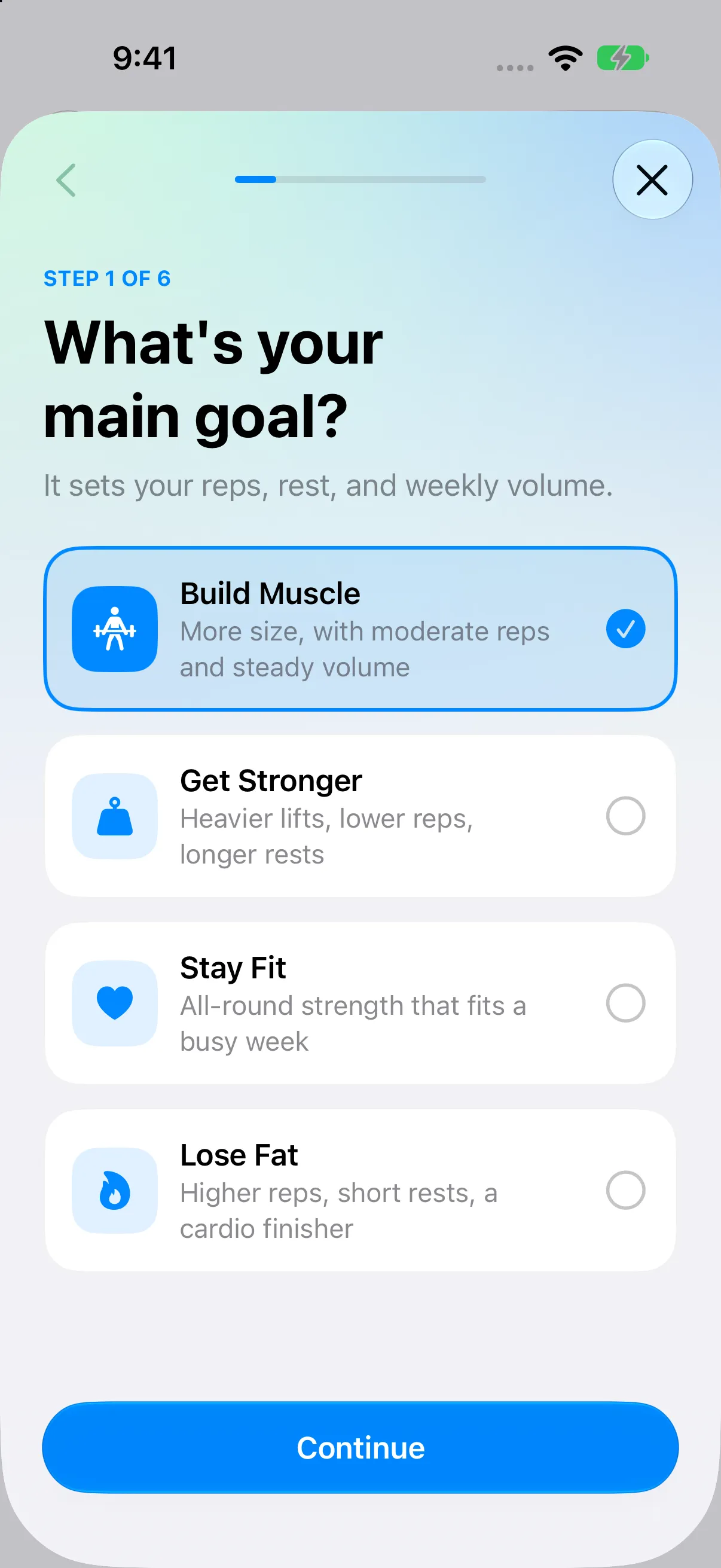
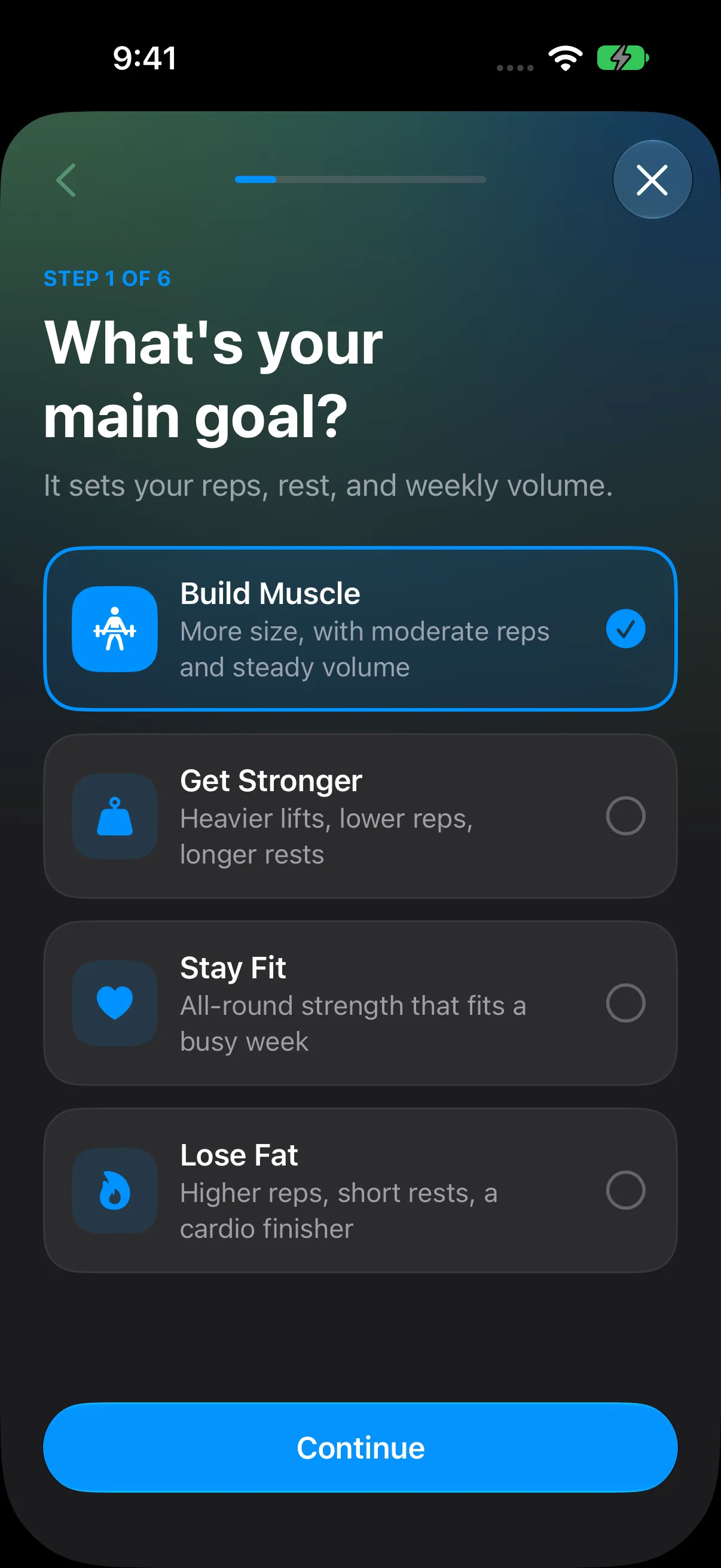
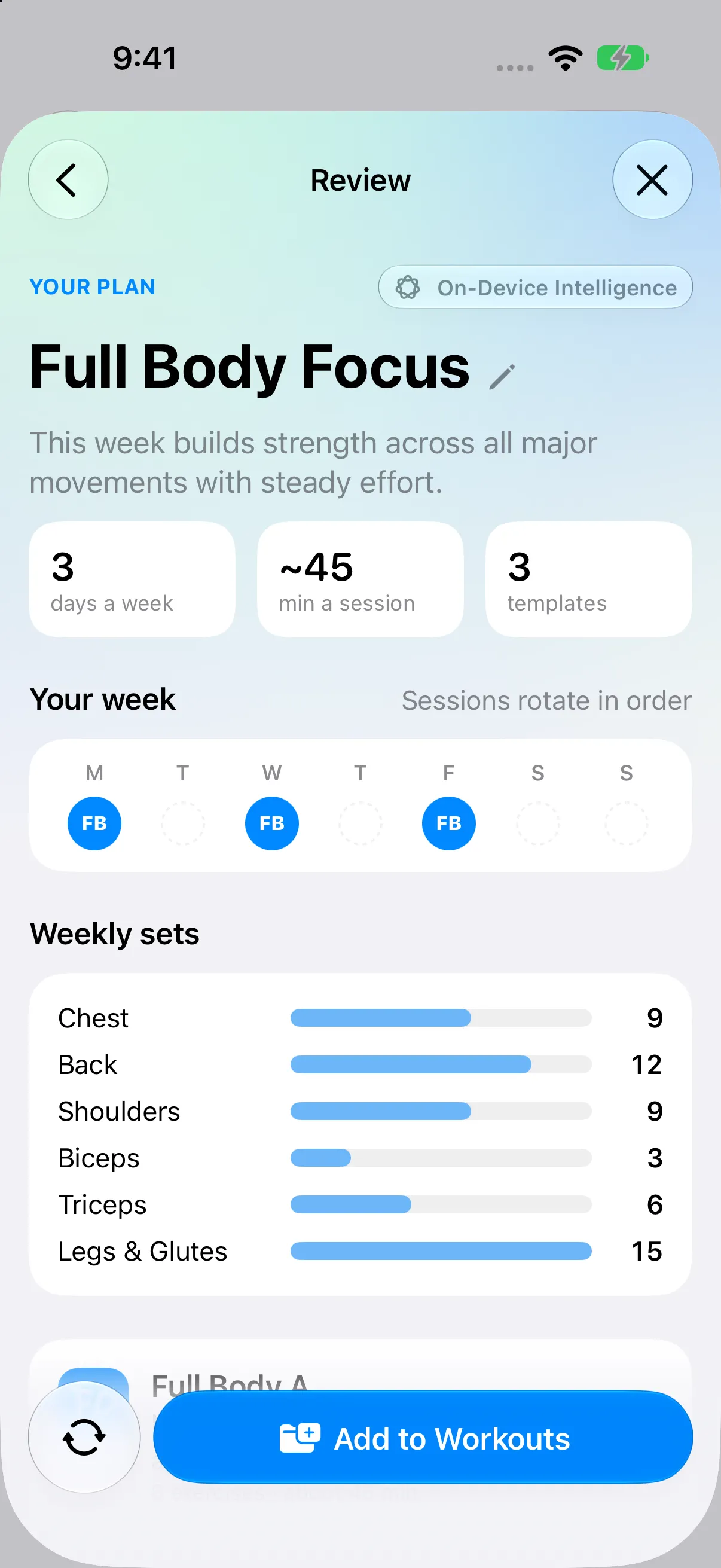
If you’re new to lifting or want a starting point, answer six questions about your goals, schedule, experience, and equipment. RepCalc puts together a week you can review and change.
2–6 training days
30–90 minute sessions
Your equipment
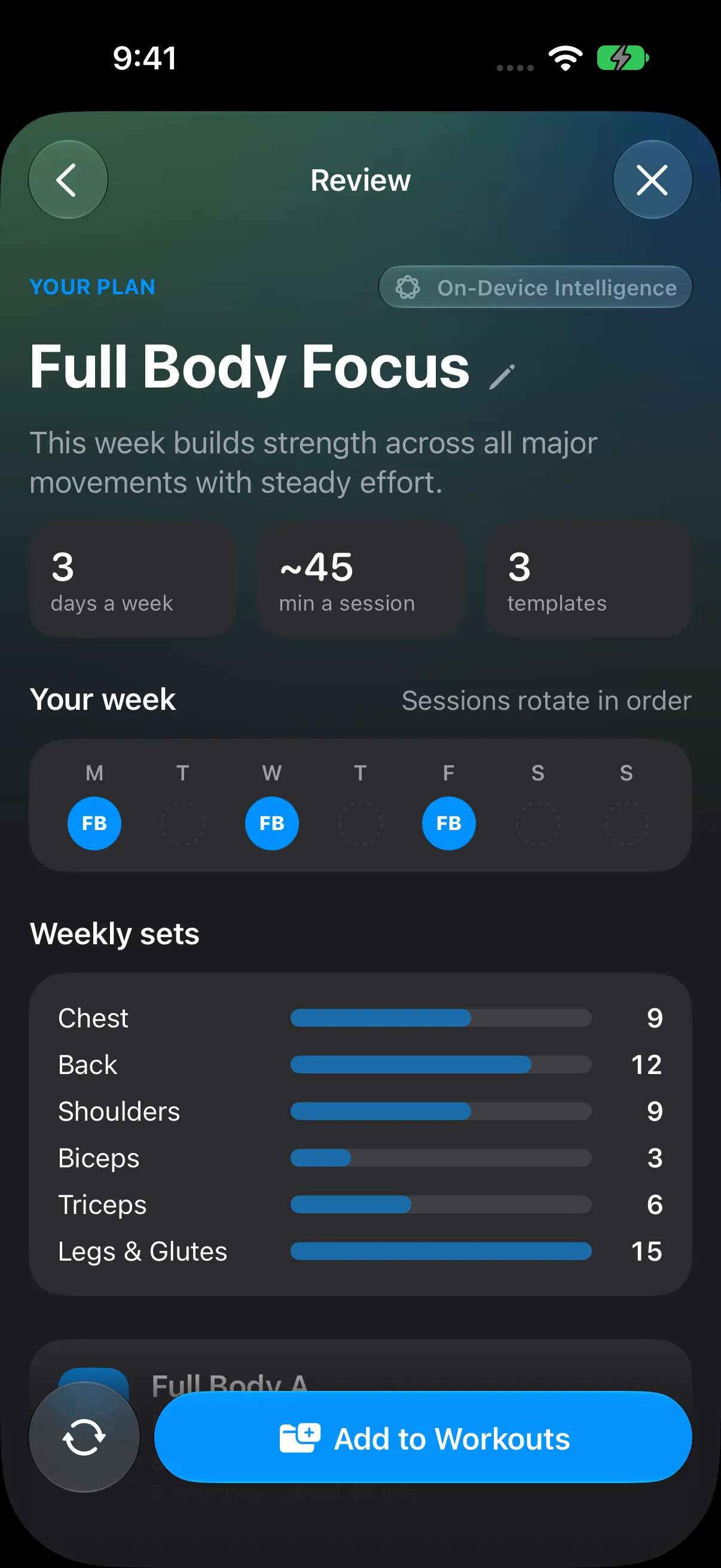
Swap exercises, adjust the plan, and save it as ordinary workout templates. You decide what you train.
AI assistance powered by Apple Foundation Models
Included free. No extra AI fee from RepCalc.
Local AI, on your device.
On compatible Apple Intelligence devices, Apple’s on-device model helps interpret your preferences and select exercises. Your planning answers stay on your device for this processing.
Opt into Apple’s larger model for additional assistance with notes and exercise options. Your planning answers go to Apple for that request, only with your consent.
No AI available? RepCalc’s local training rules still build a plan.
* Private Cloud Compute: availability and usage limits depend on your device, region, and current Apple Account plan, including iCloud+. Apple sets the allowances; a higher allowance may require a paid Apple plan. RepCalc adds no AI fee and requires no upgrade. Cloud assistance requires iOS 27 or later, internet access, and consent. On-device AI requires supported hardware and settings. Apple’s explanation · Privacy details.
THE EXERCISE LIBRARY
Find the movement that fits.
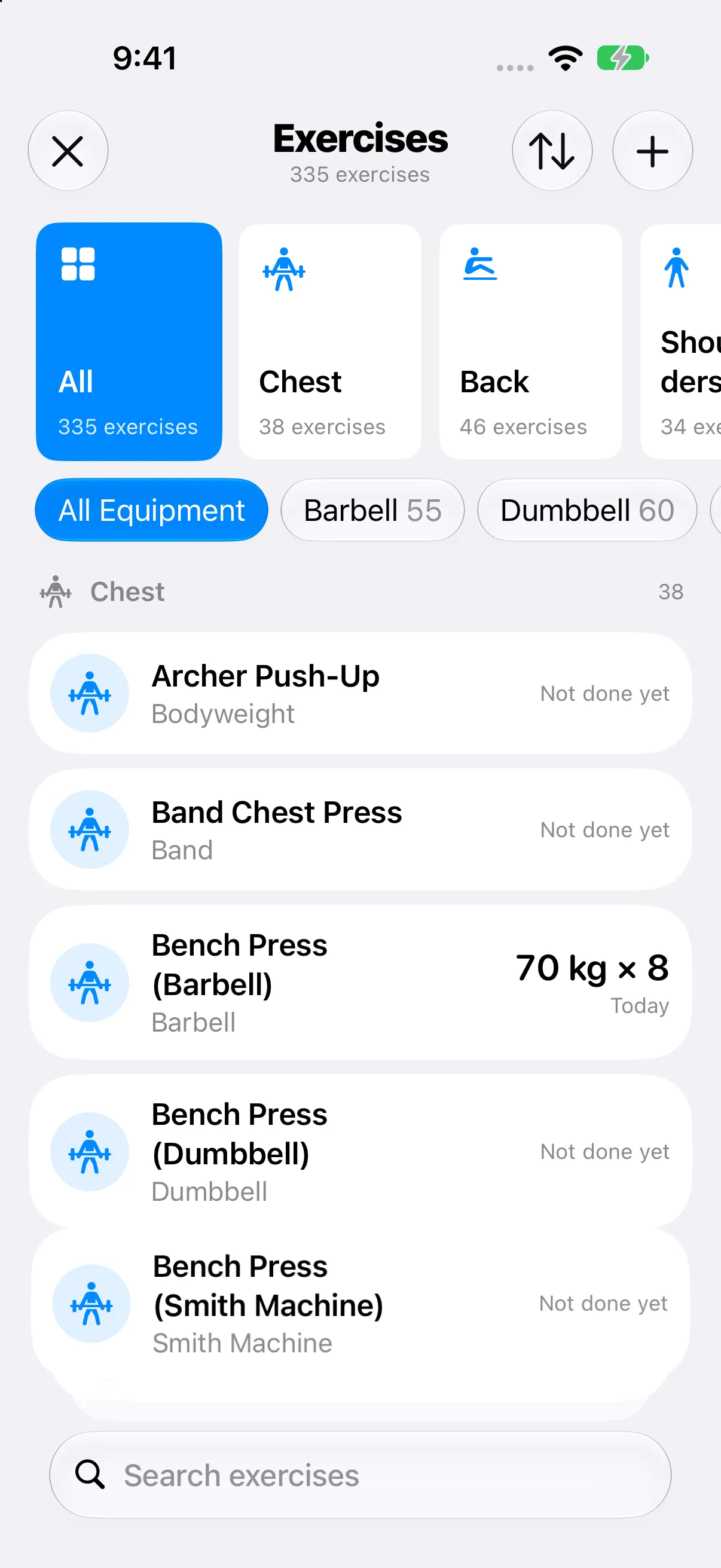
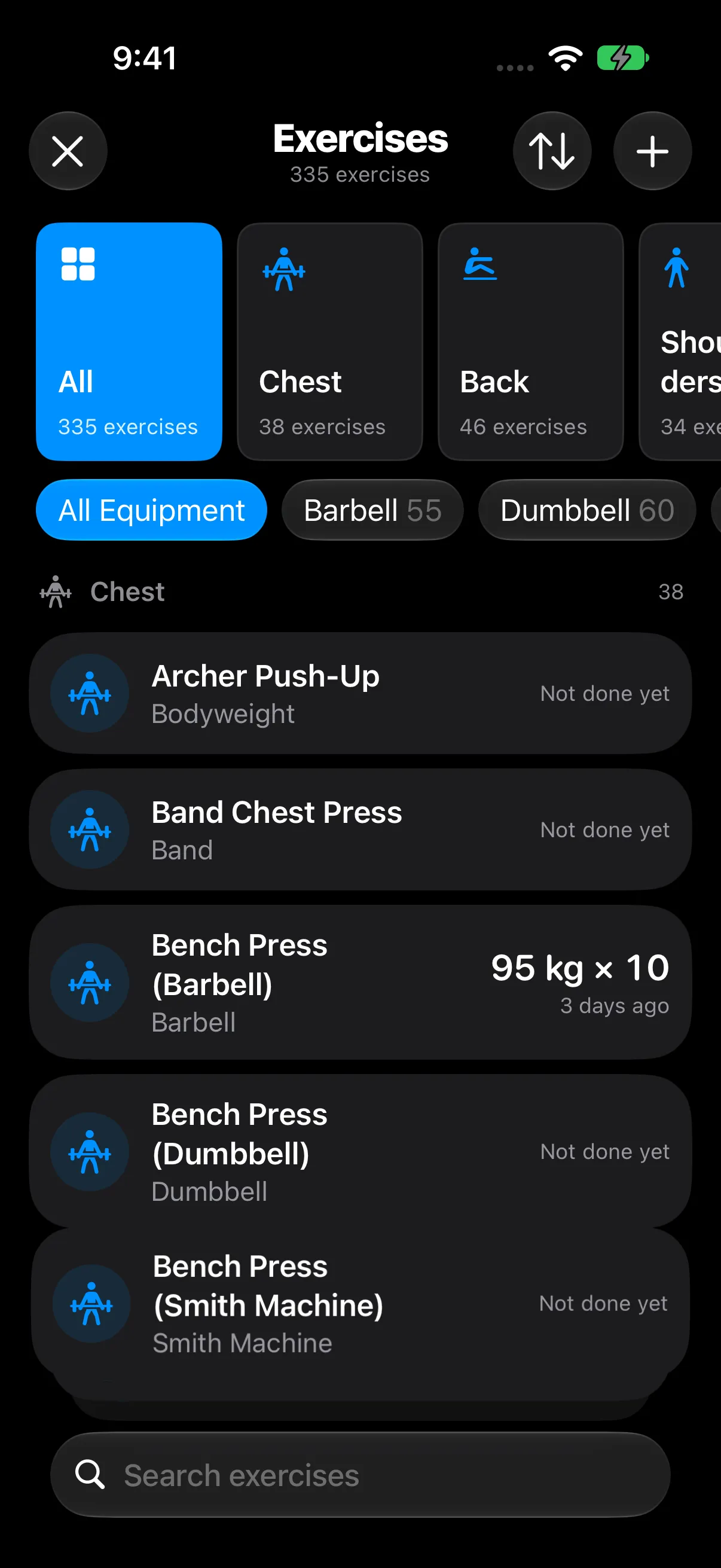
425 built-in exercises, organized by muscle and equipment, with illustrated demonstrations. Search familiar names and abbreviations, keep favorites handy, and add your own custom movements.
Barbells, dumbbells, machines, and bodyweight
Your previous performance and exercise history
Multi-select exercises and build supersets
Works offline
No signal at the gym? Keep logging. Your workouts are stored locally, with optional private iCloud sync.
Accessible by design
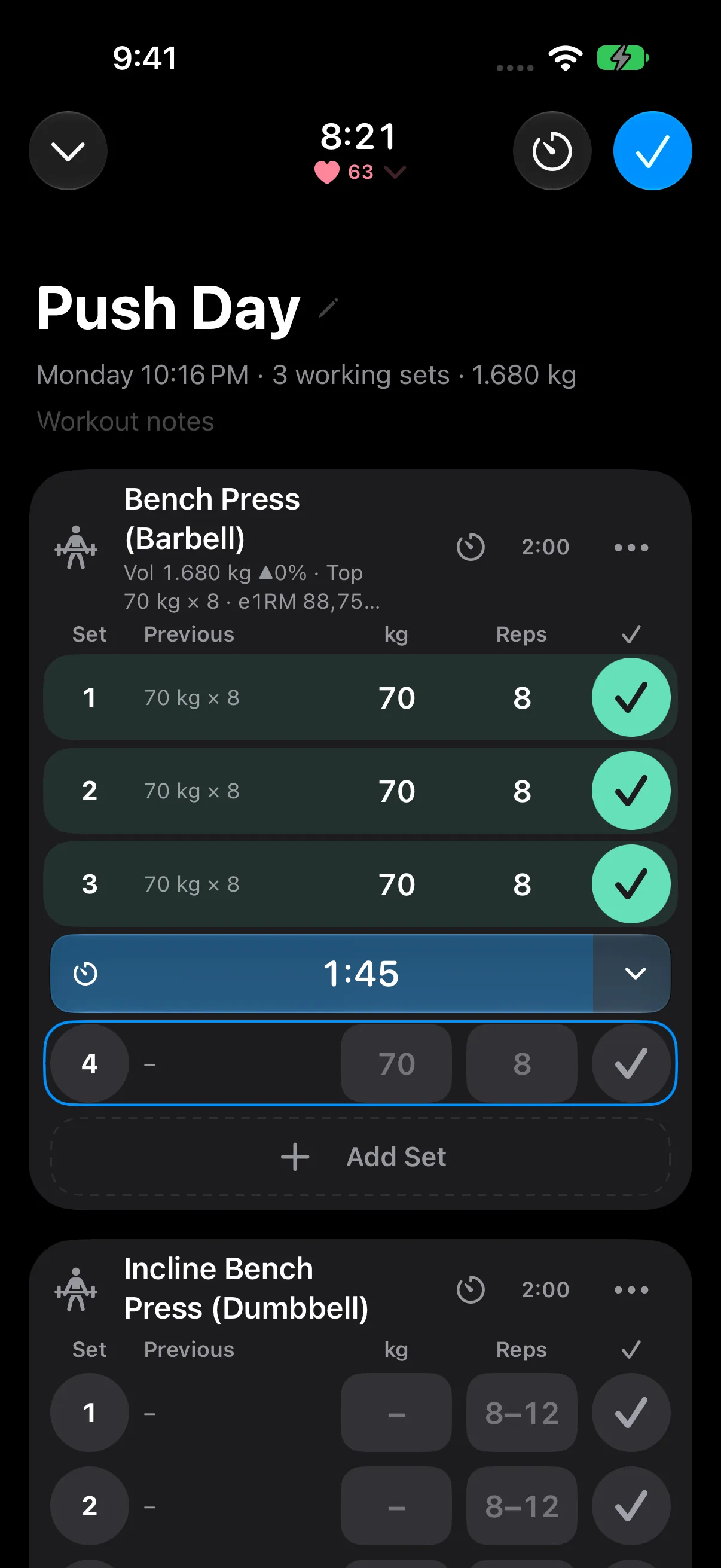
Dynamic Type, VoiceOver, Reduce Motion, and light and dark themes are part of the app.
Bring your history
Import supported Strong or Hevy CSV exports, and keep your own RepCalc backups and exports.
Questions before you start?
Or get in touch if there’s something else you’d like to know.
Is every feature really free?
Yes. RepCalc has no ads, paywalls, or subscriptions. Workout logging, unlimited routines, your full history, Apple Watch, widgets, sharing, the planner, and progress tools are included, and so are Coach, Programs, Gyms, and Body measurements in 1.1. Apple controls its own cloud AI allowances; RepCalc adds no AI fee and requires no Apple plan upgrade.
Can I download RepCalc yet?
Yes. RepCalc is available on the App Store for iPhone and iPad, with an Apple Watch companion. Version 1.1 includes Coach, Programs, Gyms, Body measurements, and Steps & Cardio. Every feature is free.
Will my runs from Strava or Apple Watch count?
Yes, if you want them to. Turn on Steps & Cardio and RepCalc shows today’s steps and the runs, rides, and swims other apps save to Apple Health. You choose which activities count toward your weekly goal and streaks, and how long they need to be. A run saved by two apps counts once, and steps never count as workouts.
How does the Apple Watch app work?
RepCalc on Apple Watch is a companion to the paired iPhone app. The iPhone owns the workout; the watch shows your current exercise and set, lets you mark a set done and control rest, and can record heart rate and energy with permission. Editing workout values stays on iPhone.
Does RepCalc adapt to iPhone Duo and iPad?
Yes. On iPhone Duo with iOS 27.1 or later, RepCalc adapts between the folded and expanded displays. Wider workout layouts show the current set beside the set table, while Home can use two columns. iPad and Split View adapt to the available space too. Accessibility text sizes keep a readable single-column layout where needed.
Which widgets are included?
This Week shows your training against your goal, Up Next opens your next workout, and Streak keeps your consistency in view. Home Screen and supported Lock Screen sizes are included. Live Activities show your active session and rest timer on supported iPhones.
Can I share a workout using my own photo?
Yes. Choose a photo from the system picker or take one with the camera, select where the workout stats appear, and export a square or story image. You choose the destination through the iOS share sheet. RepCalc does not store the selected photo in your workout history or upload it to an app server.
Can the planner help me get started?
Answer six questions about your goal, experience, schedule, equipment, and preferences. RepCalc builds a week you can review, swap exercises in, and save as editable routines. Apple Foundation Models can assist with preferences and exercise selection. The result is a starting point you control, not professional coaching.
Where does the AI run, and are there extra charges?
On compatible Apple Intelligence devices, Apple’s on-device model processes your planning answers locally. With consent, Private Cloud Compute can assist on iOS 27 or later. Apple sets availability and usage allowances based on factors including your current Apple Account plan or iCloud+ subscription; a higher allowance may require a paid Apple plan. RepCalc charges no extra and requires no upgrade. Local training rules still provide a plan when AI is unavailable.
Do I need an account or an internet connection?
No RepCalc account is required. Plan and log workouts offline, including in a gym with no signal. Optional private iCloud sync needs an Apple Account and a connection. Cloud-assisted planning also requires a connection and your consent.
Can I import my workout history?
RepCalc supports Strong and Hevy CSV imports, plus its own backup and export tools. Review the import preview before saving and keep a copy of your original export.
All of RepCalc. All free.
No ads, paywalls, or subscriptions. Including Apple Watch, widgets, sharing, the planner, and everything new in 1.1.
 RepCalc