Your first workout
Start a workout, log your sets, rest, and finish.
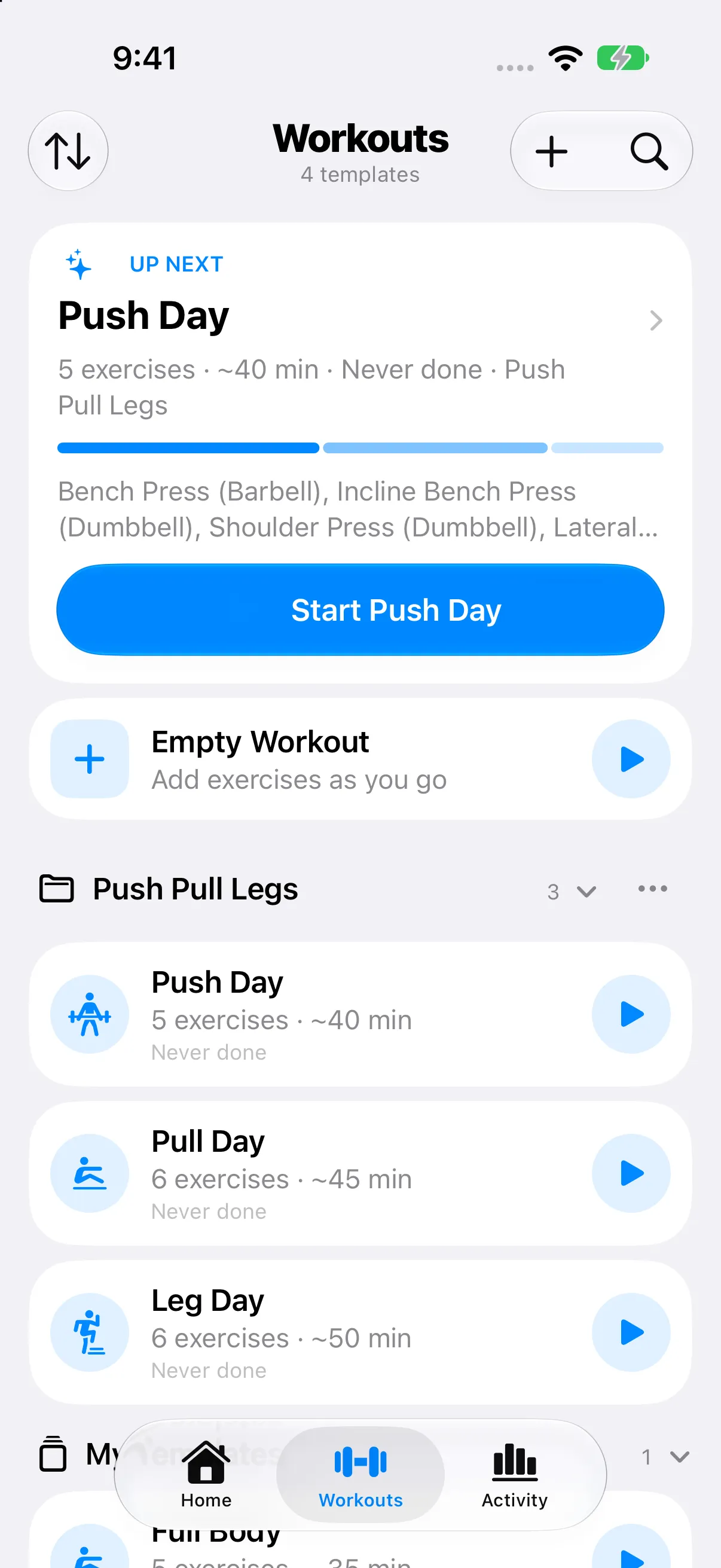
Where to find it: WorkoutsStart
- One tap from launch
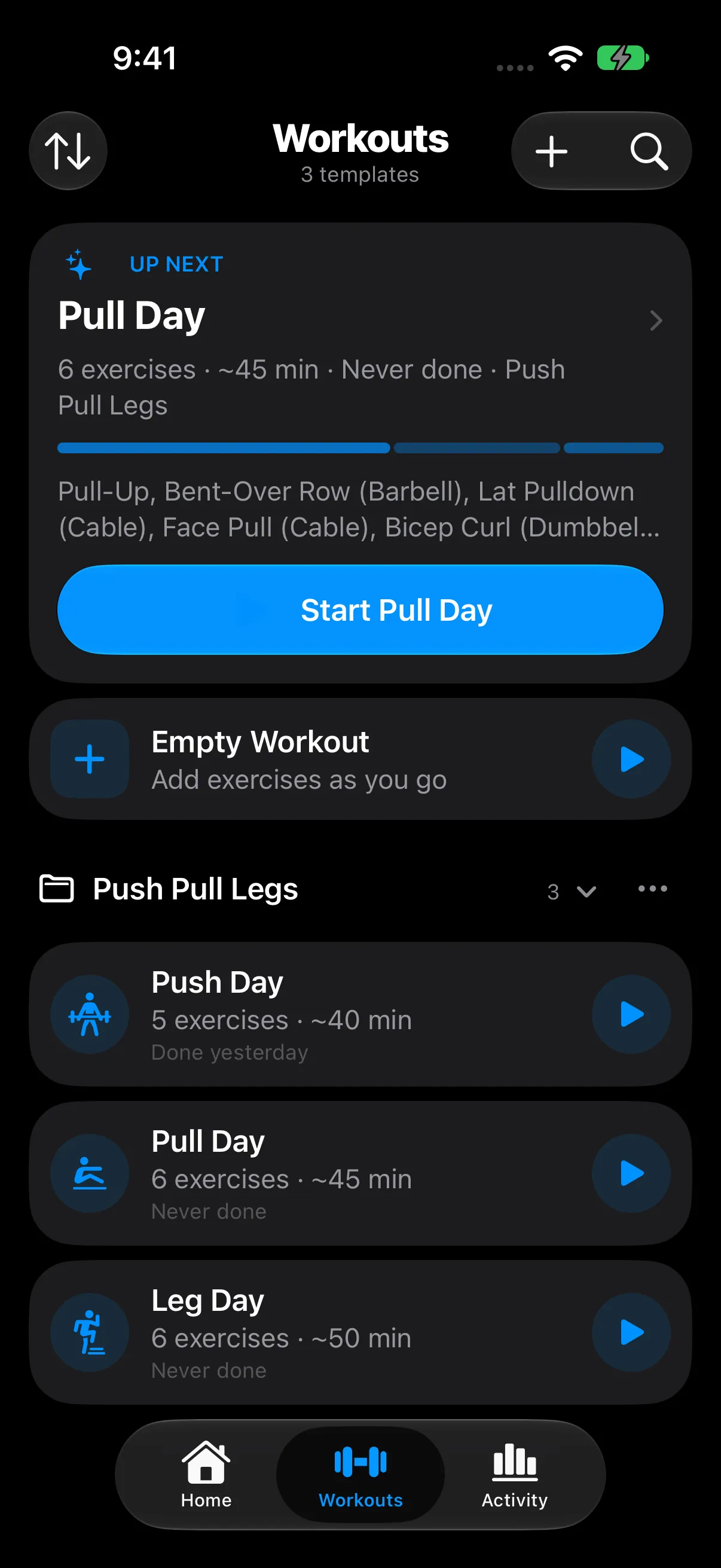
- RepCalc opens on Workouts. Start on Up Next begins the workout it suggests. Empty Workout starts from scratch.
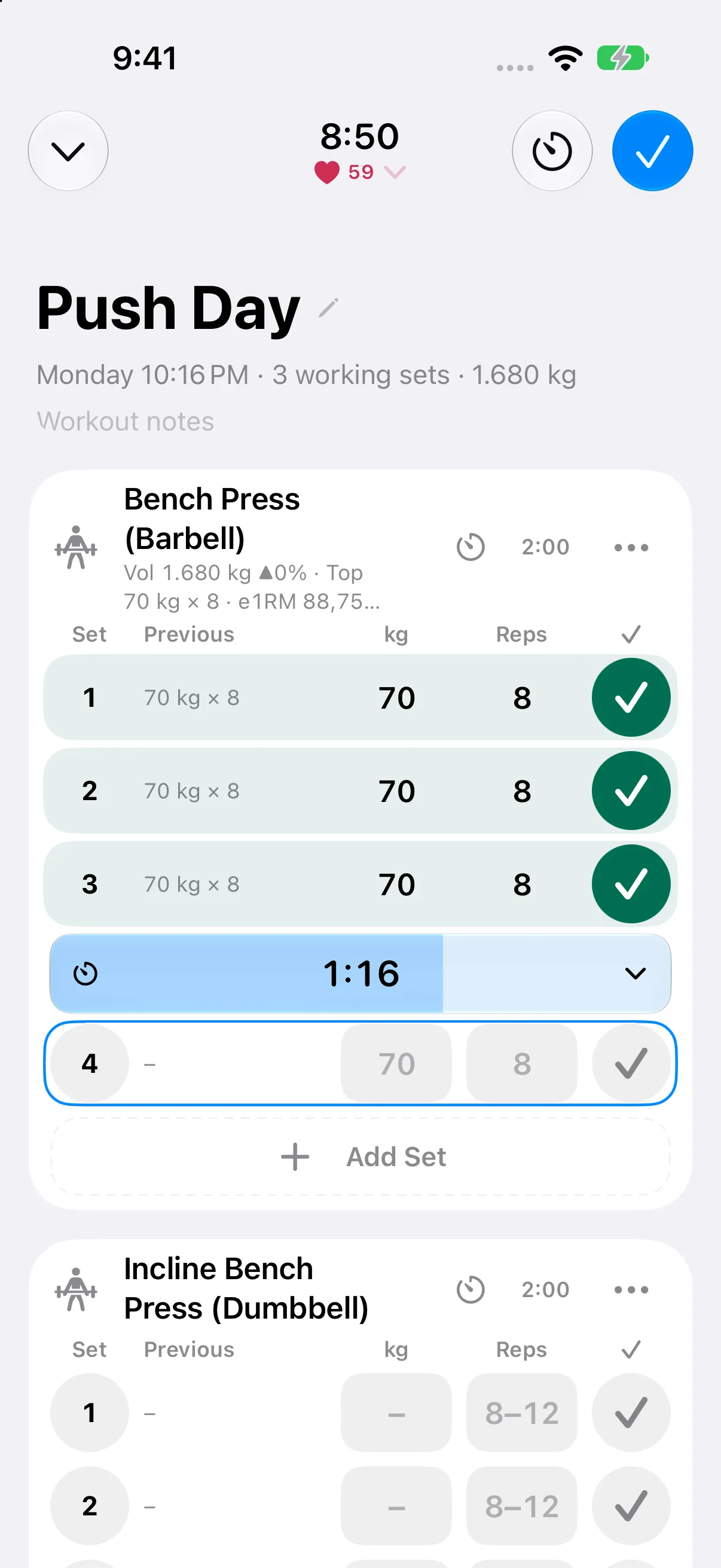
- Tap a value to type it
- The number pad fills in your previous set, last time’s numbers, or the target with one tap.
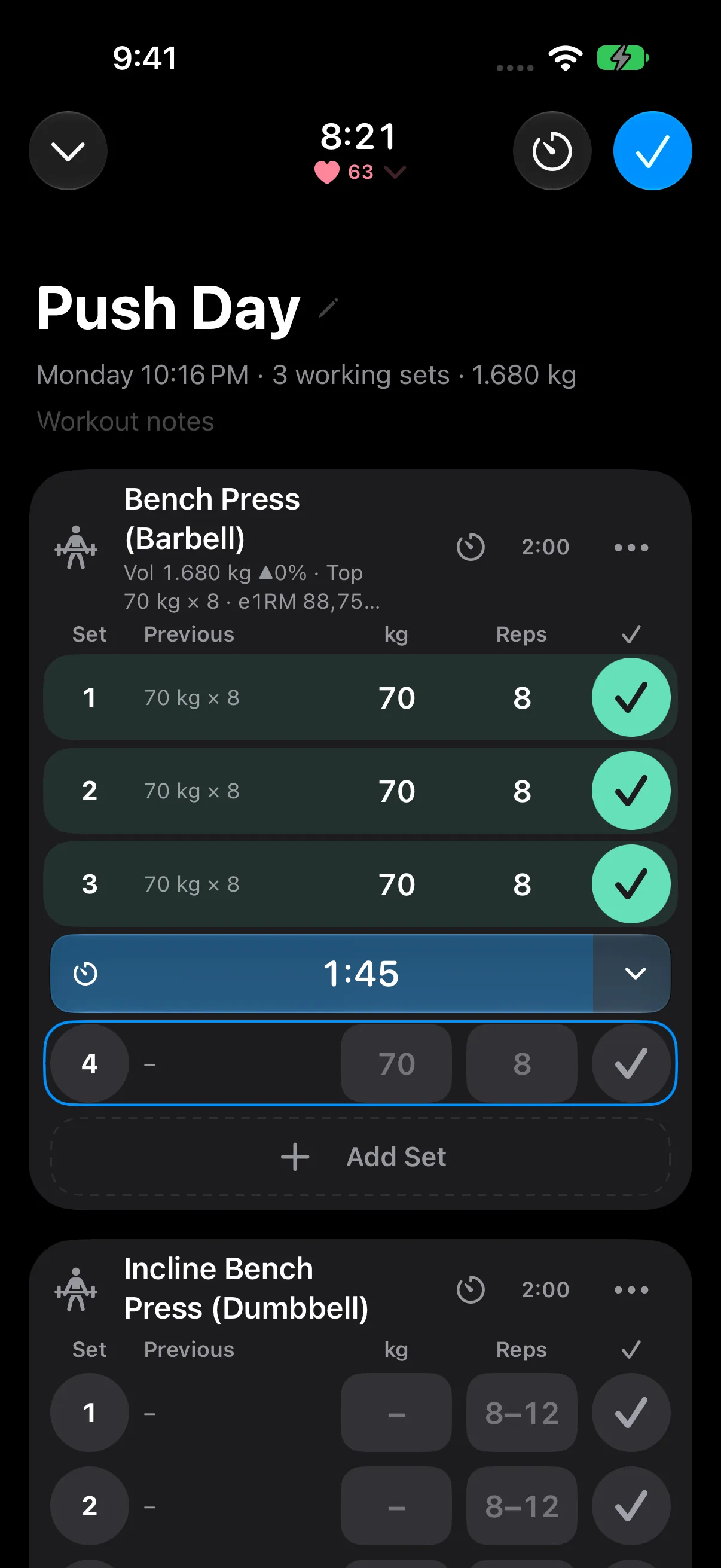
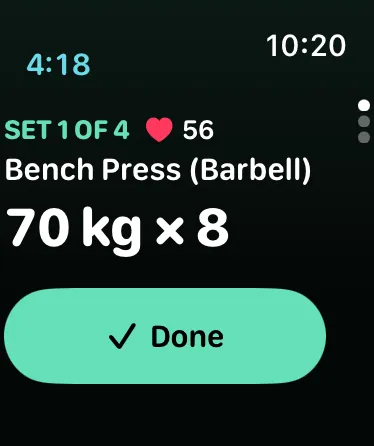
- Tick to finish a set
- The tick saves the set straight away and starts your rest timer under it.
- More in each exercise’s menu
- Warm-up sets, the plate calculator, supersets, Replace Exercise, and a sticky note that comes back next time.
- Never lose your place
- A running workout stays above the tab bar, and on the Lock Screen when you put your phone away.
- Review, then save
- Finish to see the workout before saving. Changed a template’s workout? RepCalc asks whether to update the template.